
2FA FOR EPCS
Enhanced Security & Convenience With New 2FA For EPCS
Prescribe medications safely and securely.
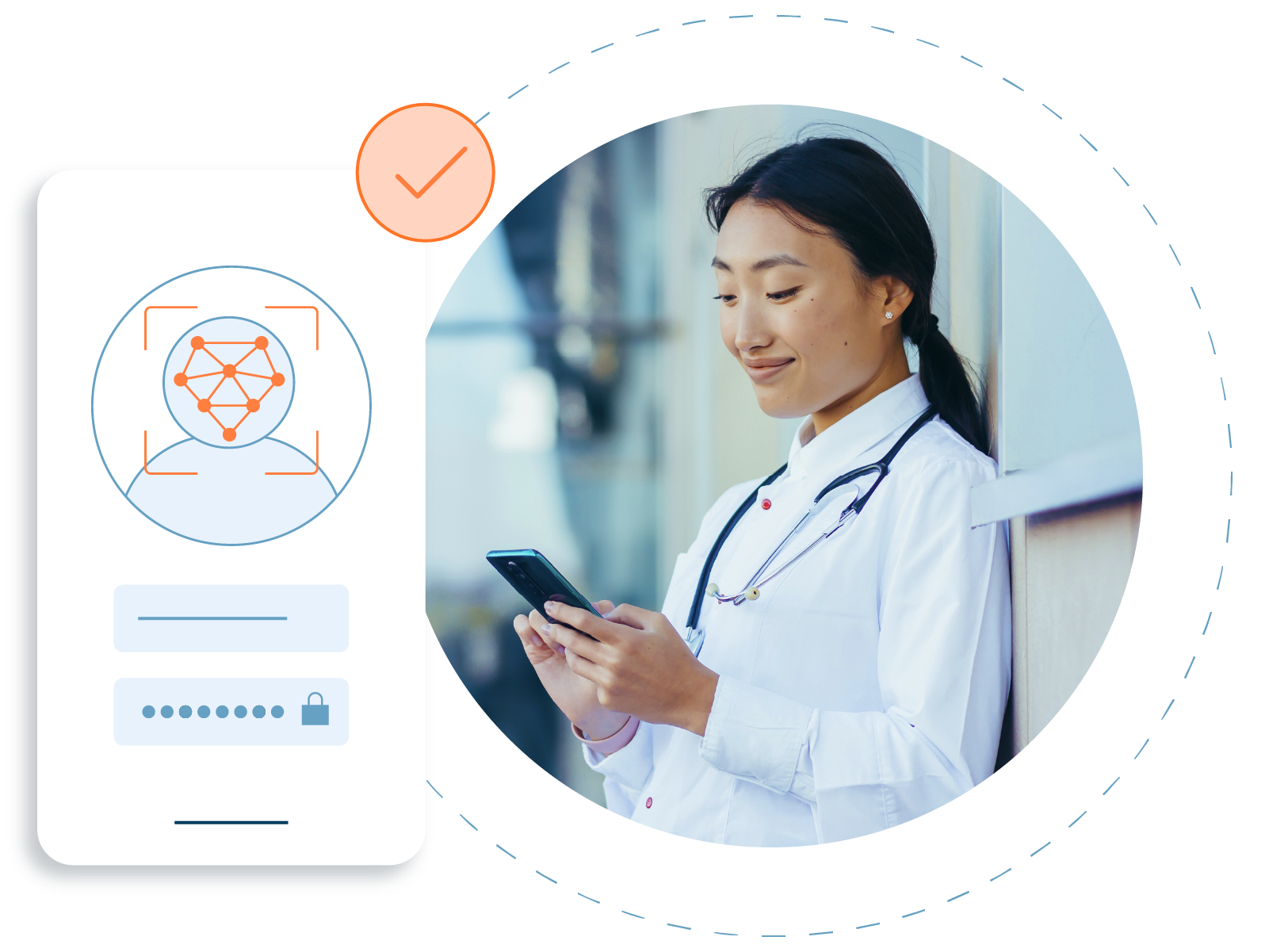
Advanced Security
Protect your patients and practice from prescription fraud with stronger identity verification
Increased Convenience
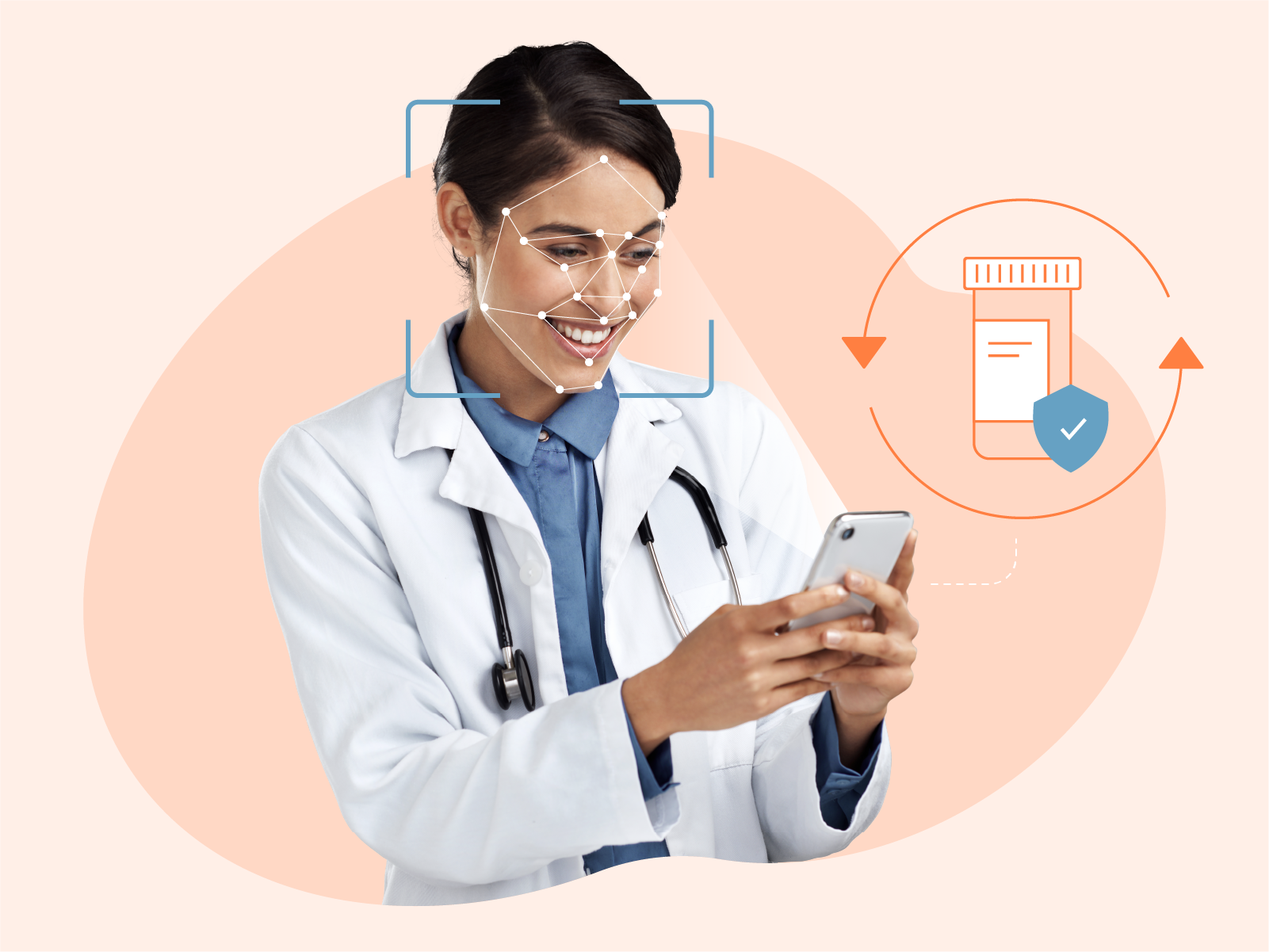
Enjoy the convenience of mobile LiveID—powered by 1Kosmos—without the hassle of carrying a physical token
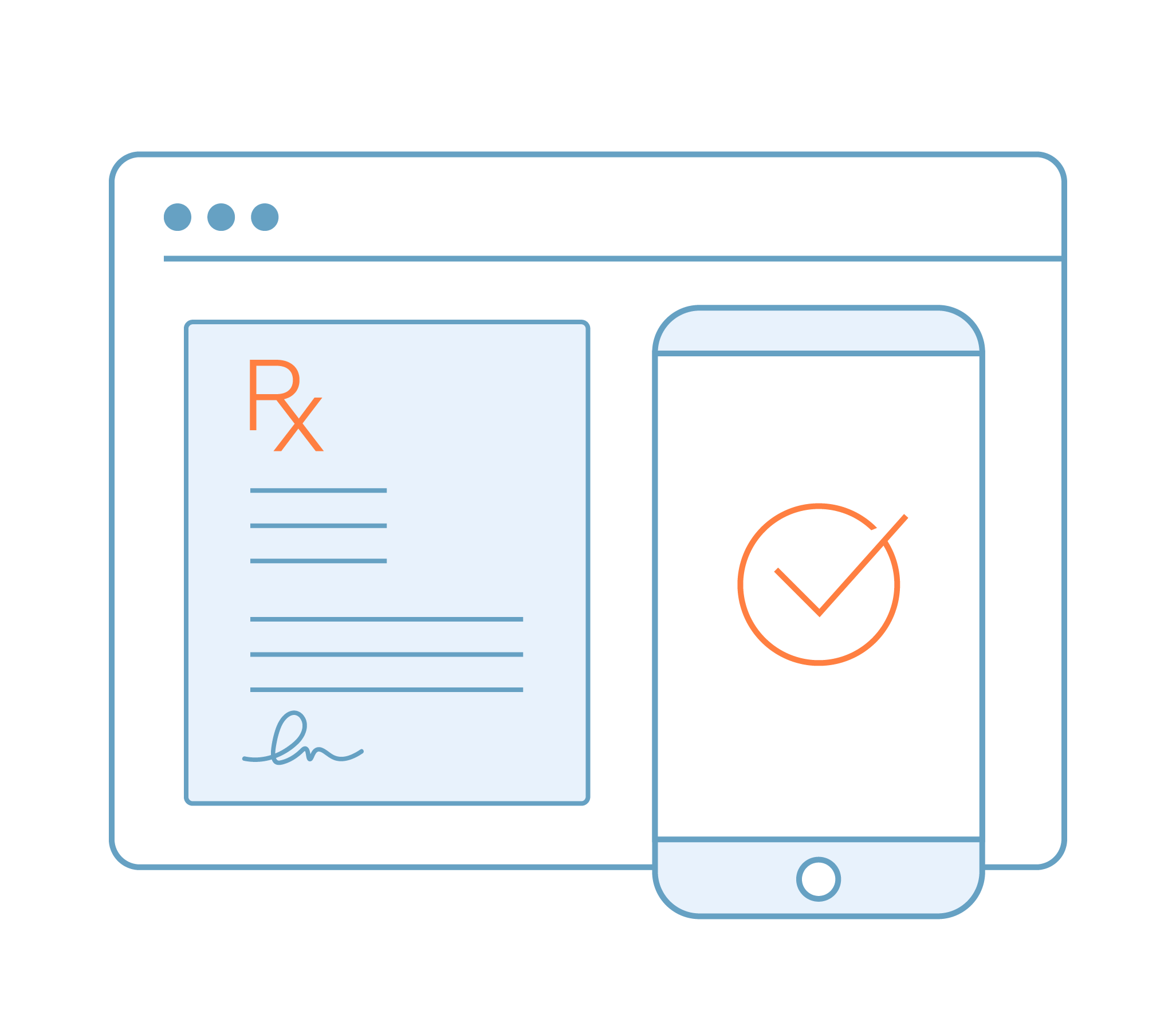
Seamlessly Integrated
Approve prescriptions with the push of a button on the ID.me Authenticator app, eliminating the need to enter a PIN
Streamline the EPCS Setup Process
Practice Administrators will now approve all EPCS access for providers within their practice. This new feature offers greater control and flexibility, allowing Practice Administrators to manage EPCS requests at any time of day.
Need help setting providers up with EPCS access?
We’ve created a checklist for Practice Administrators to ensure their providers have the access they need to prescribe controlled substances.
Identity Proofing
Complete the identity proofing process through ID.me to set up LiveID and the ID.me EPCS authentication system.
ID.me uses remote verification of IDs, mobile network operator data, and fraud/compliance checks to confirm user identity.
For more information about identity proofing, visit our Help Center →

ID.me EPCS Authentication
The ID.me Authenticator is a mobile app used for the 2FA process when e-prescribing controlled substances within RXNT's browser-based applications. After completing identity proofing and verification, download and activate the ID.me Authenticator app on iOS or Android. After activation, you’ll be directed to link the app to your RXNT account.
2FA for browser-based EPCS requires two distinct forms of authentication: something you know (your RXNT password) and something you have (a push notification via mobile).
For more information about ID.me tokens, visit our Help Center →

LiveID Mobile Authentication
The RXNT mobile application will now use LiveID—powered by 1Kosmos—as a secondary layer of authentication. After identity proofing is complete, EPCS providers will receive activation instructions within the RXNT app.
The mobile application will use facial recognition as a secondary form of authentication to give providers access to prescribe controlled substances.